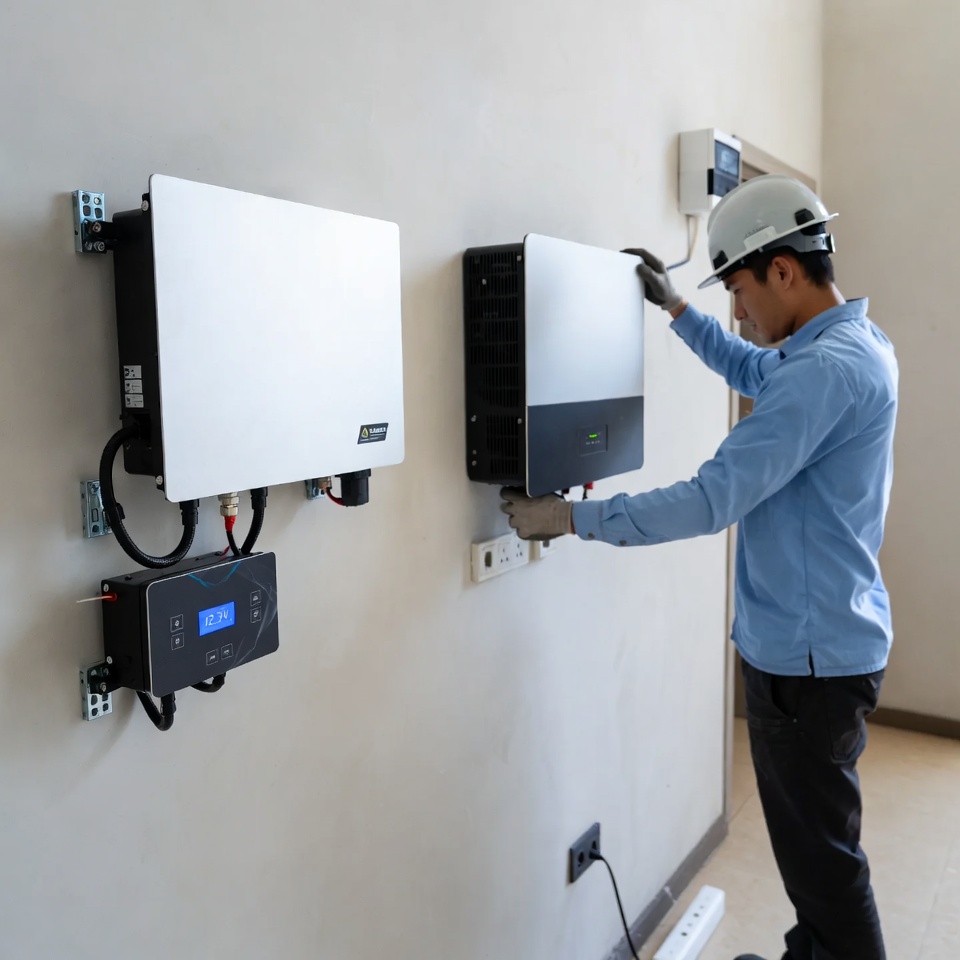
BMS Communication vs Voltage-Based Control Between your Inverter and Lithium Battery
If you’ve spent any time setting up or troubleshooting a solar or backup system in South Africa, you’ve probably run into the same annoying issue at some point: the inverter’s SOC reading looks fine, but the batteries cut out much earlier than expected — or they say they’re full when they’re clearly not.
That usually comes down to how the inverter is controlling the battery — either through simple voltage settings (what most people call “voltage-only” or voltage-based) or through actual communication with the battery’s BMS (closed-loop).
Both methods work, but they behave very differently in real life, especially with lithium batteries and the kind of daily cycling we see during load shedding or power-outages. Here’s a straightforward look at the two approaches, what actually happens in practice, and which one most people end up preferring once they’ve lived with both.
Quick BMS Refresher
Pretty much every modern lithium battery has a Battery Management System (BMS) inside. It’s constantly checking cell voltages, temperature, current in and out, and working out the true State of Charge (SOC) using coulomb counting — not just guessing from voltage.
The question is whether your inverter gets to use that detailed information, or whether it’s just looking at overall pack voltage like it would with an old lead-acid battery.
Voltage-Only Control (No BMS Communication)
This is the simpler, traditional way. You set fixed voltages on the inverter.
Please consult your user manual for these specs :
- Bulk/absorption
- Float: around
- Low-voltage cut-off
The inverter charges until it hits the absorption voltage, then drops to float, and cuts discharge when voltage falls too low. SOC is basically guessed from the voltage curve.
What works well:
- Dead easy to set up — no comms cables, no protocol headaches.
- Works with pretty much any battery, even ones without comms ports.
- If comms ever fail, this is the safe fallback mode anyway.
What doesn’t:
- The voltage curve on lithium is almost flat between 20–80% SOC. You might see only 0.3–0.5 V change across most of the usable capacity. That means the inverter can easily be 5-10% wrong on SOC.
- It can’t react if one cell is getting hot, or if the BMS wants to throttle current because of imbalance.
- Over months you tend to see more drift: early cut-offs when the inverter thinks there’s still plenty left, or charging that stops too soon because it misreads the top end.
We’ve seen plenty of systems where the owner swears the battery is faulty, when really it’s just the inverter working blind.
BMS Communication
With this method, you run a communication cable (usually CAN or RS485) between the battery and the inverter. The BMS sends real-time data: exact SOC percentage, max charge/discharge current allowed right now, temperature alerts, cell balance status, etc.
The inverter listens and adjusts — it follows the BMS’s current and voltage requests instead of its own fixed settings. On a Deye, for example, you switch to “Lithium” mode, pick the right protocol (often Pylontech-compatible), plug in the cable, and it starts behaving intelligently.
What works well:
- SOC is accurate — really accurate. The inverter shows almost exactly what the BMS sees. No more surprises.
- Charging and discharging stay within safe limits automatically. If the battery gets warm, the BMS tells the inverter to slow down.
- Cell balancing happens more effectively because the inverter can hold voltages longer when needed.
- Parallel batteries play much nicer — the whole bank is treated as one smart unit.
- Monitoring actually means something. The app or screen reflects reality.
What doesn’t:
- Setup takes a bit longer. You need the right cable (pinout matters), the correct protocol setting, and sometimes a firmware check.
- Not every battery talks perfectly to every inverter out of the box — though most of the popular ones we stock (Apium, Blue Nova, Dyness, Revov, RoyPow) work reliably with Deye and LuxPower.
- If the cable gets damaged or the protocol mismatches, you drop back to voltage-only (which is why it’s still good to have sensible voltage settings as backup).
Voltage-Based
| SOC reading accuracy | Often off by 5-10% |
| Charging behaviour | Fixed voltages, no dynamic adjustment |
| Battery life over time | Decent, but more stress possible |
| How easy to set up | Very easy |
| Best suited for | Basic systems or quick installs |
| Most common complaints | Early cut-offs, drift over time |
BMS Communication
| SOC reading accuracy | Usually spot-on |
| Charging behaviour | Follows BMS limits and requests |
| Battery life over time | Better protected, more balanced |
| How easy to set up | Takes 15–30 min extra |
| Best suited for | Daily cycling, solar + backup |
| Most common complaints | Initial comms setup niggles |
For the majority of homes and small businesses here dealing with Stage 6 load shedding or wanting solid off-grid performance, BMS communication wins hands down. The difference in day-to-day reliability and how long the batteries actually last is noticeable.
That said, if you’re doing a very basic backup, or you’re still testing things out, voltage-only is fine to start — just be conservative with your settings (bulk, float, cut-off and keep an eye on real behaviour. It is imperative to always consult the user manual.
A Few Practical Tips
- Always check the battery manual for the exact protocol it supports (many mimic Pylontech for Deye).
- Get the right comms cable — wrong pinout = no communication.
- On Deye: Battery type → Lithium → Protocol → test with a partial charge/discharge cycle to confirm SOC tracks properly.
- Keep voltage settings sensible even when using comms — they become the fallback.
If your unsure with regards to one of your units that you have bought from us, get in touch with us.